
Hearing Aid Care: Cleaning, Batteries and Troubleshooting
Practical questions about hearing aid cleaning, batteries and troubleshooting. Follow the instructions for your exact model and ask AWC about repair support.
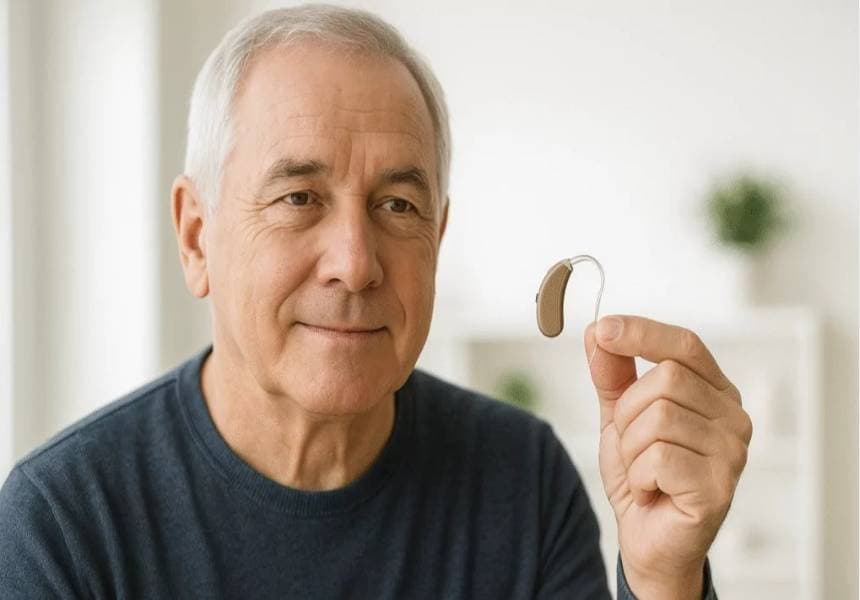
Care instructions differ between hearing aid models, earpieces and power systems. Keep the user guide for your exact device and ask the fitting professional to demonstrate cleaning and any parts you can replace yourself.
Build a routine for your model
- Use the cleaning method and tools specified in the device guide.
- Ask how to check the earpiece, filters and tubing without damaging them.
- Follow the instructions for charging, storage and protection from moisture or heat.
- Check which parts you can replace and which need professional service.
- Keep replacement parts in their labelled packaging so you can identify them.
Choosing batteries, chargers and filters
Match the exact battery size or charger compatibility in your manual. A similar shape or the same brand does not guarantee compatibility. Bring the packaging or a clear model photograph when asking AWC for a replacement.
If the device stops working
- Check that it is switched on and follow the manual’s power or charging checks.
- Look for visible damage or a loose connection without opening the casing.
- Perform only the cleaning and troubleshooting steps described for your model.
- Do not force a battery door or swap left and right devices to diagnose the problem.
- If the problem continues, ask for help rather than repeatedly changing parts.
Whistling, weak sound or intermittent sound
These symptoms can have different causes. Note when the problem occurs, whether it affects one or both devices, and any recent damage or changes. Ask the fitting or repair professional to check the device and fit; do not assume a particular part is responsible.
Before visiting for a repair
- Record the brand, model and problem.
- Bring the charger and relevant accessories if you are asked to.
- Ask about assessment charges, parts, expected turnaround and approval of a quote.
- Keep proof of purchase and any warranty documents available.
Frequently asked questions
Further reading
For general hearing information, see the NIDCD hearing aids guide and guidance on sudden hearing loss. See also ASHA information about adult hearing assessment. For device care, follow your exact model's manufacturer instructions; Phonak provides model-specific care guides.